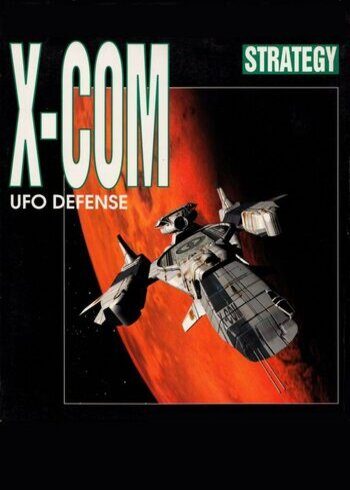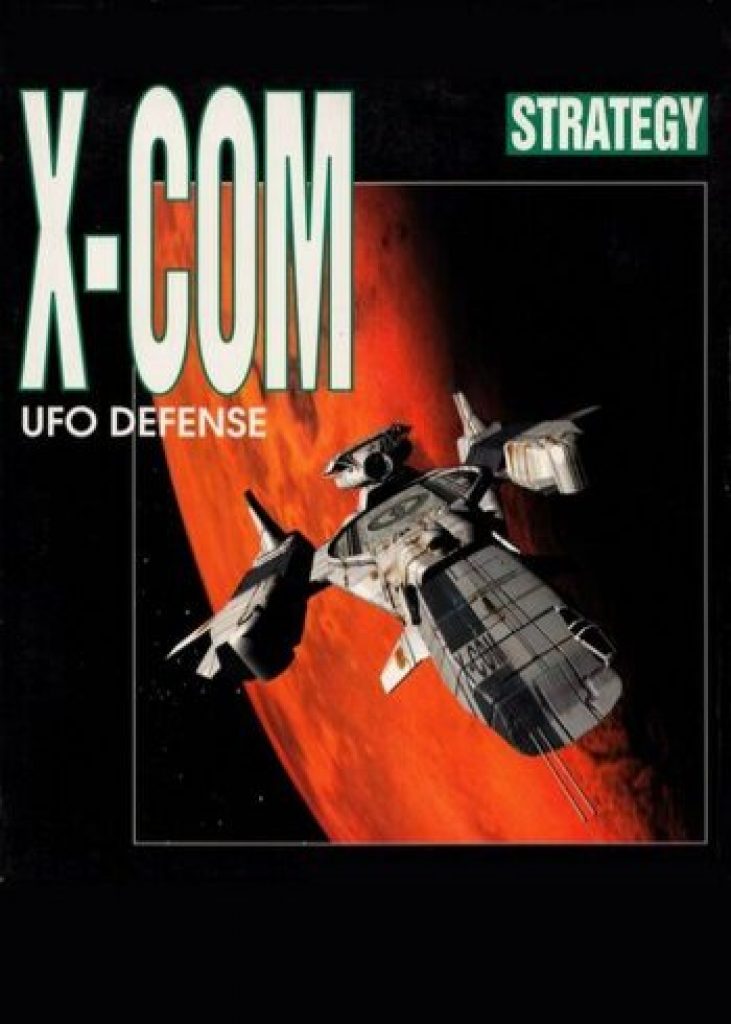
X-COM: UFO Defense

X-COM: UFO Defense

PLATFORM

PC Steam

REGION

Region Free

GAME INFO

RELEASE DATE:

1994

DEVELOPER:

MicroProse Software, Inc

PUBLISHER:

Take-Two Interactive

GENRE:

Action, FPS / TPS

FOR AGES:

TAGS:

GAME INFO

RELEASE DATE:

1994

DEVELOPER:

MicroProse Software, Inc

PUBLISHER:

Take-Two Interactive

GENRE:

Action, FPS / TPS

FOR AGES:

TAGS:

  • INFORMATION
  • SYSTEM REQUIREMENTS
  • KEY ACTIVATION
  •  

Windows


Minimum system requirements

  • System requirements: Microsoft® 2000/XP/Vista®
  • Processor: 80386 processor or better
  • Memory: 4Mb RAM

Activating a CD Key on Steam

Please follow these instructions to activate a new retail purchase on Steam:

1. Launch the Steam client software and log into your Steam account.

2. Click the Games Menu.

3. Choose Activate a Product on Steam...

4. Follow the onscreen instructions to complete the process.

dqDPgrrLwGq9Jib0I56Oov7gRPxstU_DED7UObnSVFQ_350x200_1x-0 (1)

TYPE

Game

PLATFORM

PC Steam

REGION

Region Free

GAME INFO

RELEASE DATE:

1994

DEVELOPER:

MicroProse Software, Inc

PUBLISHER:

Take-Two Interactive

GENRE:

Action, FPS / TPS

FOR AGES:

TAGS:

  • INFORMATION
  • SYSTEM REQUIREMENTS
  • KEY ACTIVATION
  •  

Windows


Minimum system requirements

  • System requirements: Microsoft® 2000/XP/Vista®
  • Processor: 80386 processor or better
  • Memory: 4Mb RAM

Activating a CD Key on Steam

Please follow these instructions to activate a new retail purchase on Steam:

1. Launch the Steam client software and log into your Steam account.

2. Click the Games Menu.

3. Choose Activate a Product on Steam...

4. Follow the onscreen instructions to complete the process.

  • INFORMATION
  • SYSTEM REQUIREMENTS
  • KEY ACTIVATION
  •  

Windows


Minimum system requirements

  • System requirements: Microsoft® 2000/XP/Vista®
  • Processor: 80386 processor or better
  • Memory: 4Mb RAM

Activating a CD Key on Steam

Please follow these instructions to activate a new retail purchase on Steam:

1. Launch the Steam client software and log into your Steam account.

2. Click the Games Menu.

3. Choose Activate a Product on Steam...

4. Follow the onscreen instructions to complete the process.

Exclusive Newsletter

Exclusive Newsletter

ANYCDKEY
Logo